


Reset You Microsoft 365 Email Password
To change your password, go to office.com
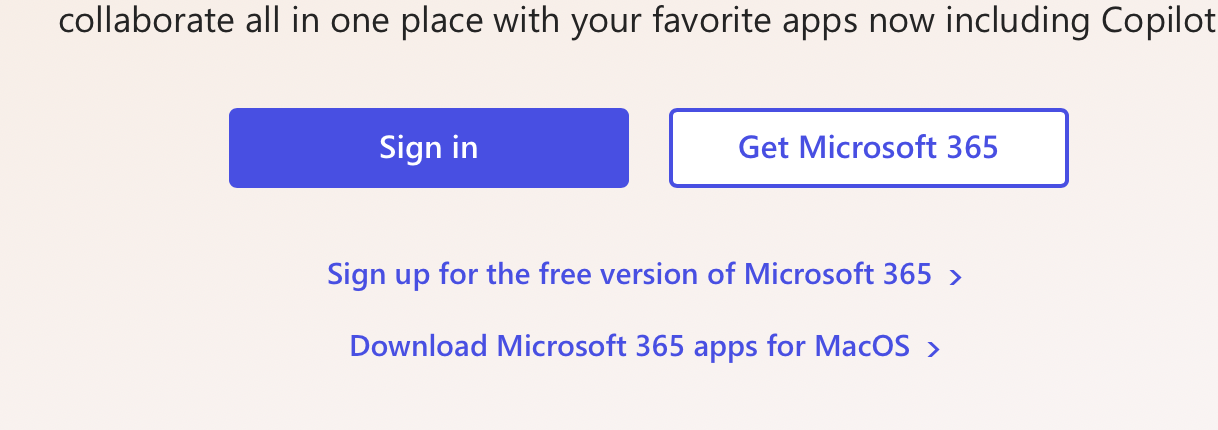
Click the “Sign In” to proceed.
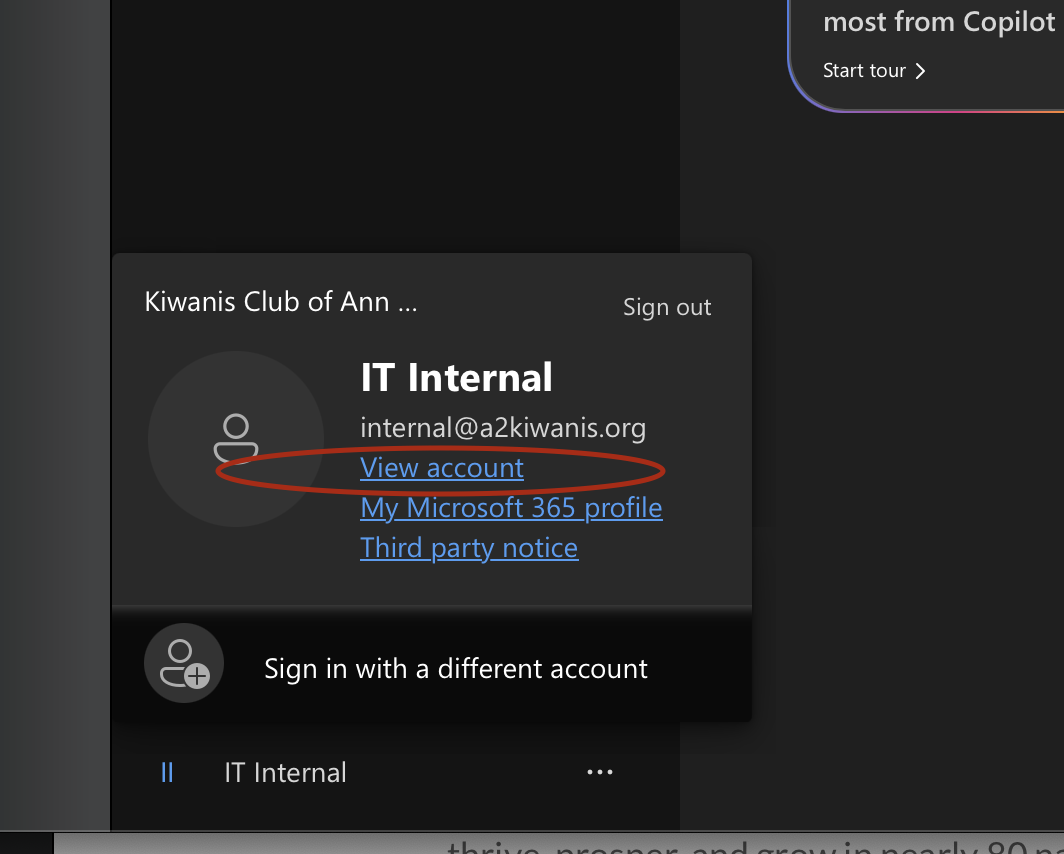
When you have logged into your dashboard, click your ID icon in the very bottom left corner, and select ” View Account “
When you are in your account dashboard, click on ” Change Password “
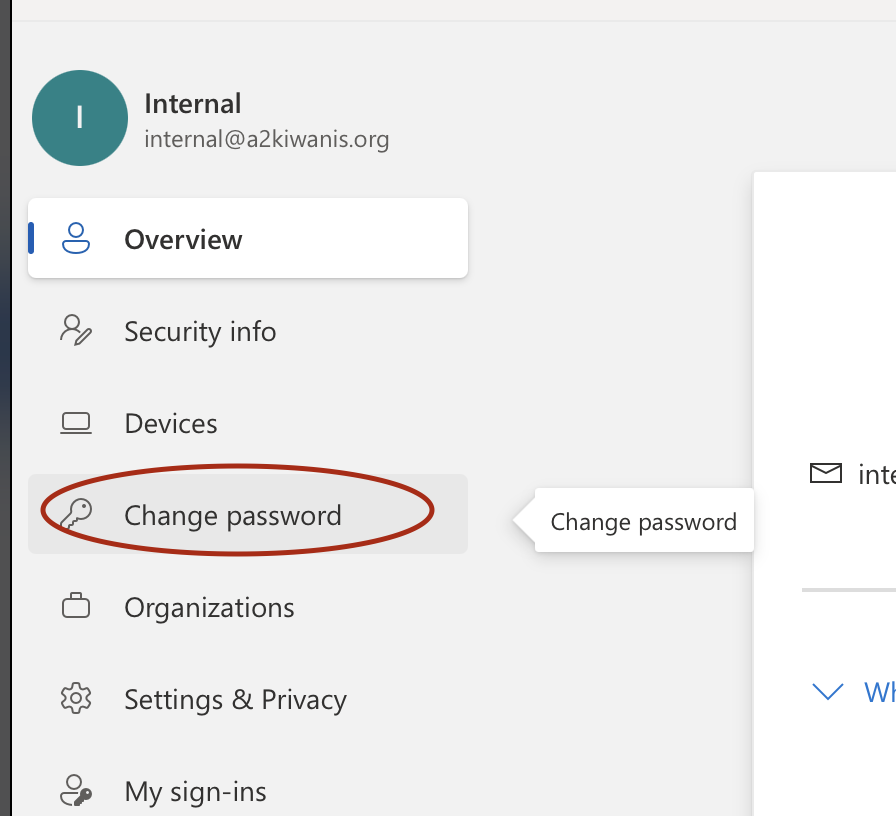
Follow the prompts to create your new password.
After completion you will be asked to sign in with your new password on your devices if you use email on your phone or tablet.
Please feel free to contact :
Elliot Bancel
312-497-2335
ebancel@a2kiwanis.org
Thank you for helping keep Kiwanis Cyber Safe!